Free printable template
Wedding seating chart template that fills itself in
Most templates hand you a blank design and leave you to type 120 names into it, then retype them every time someone RSVPs late. This one is filled from your seating plan: choose a layout and a theme, and the chart is ready to print.
Three seating chart layouts
Pick the layout by how your guests will look for their name.
1. Alphabetical (A–Z guest finder)
Every guest in alphabetical order with their table beside the name. It is the fastest to read when 100 people arrive at once, because nobody needs to know which table to look under. Best for weddings over about 60 guests.
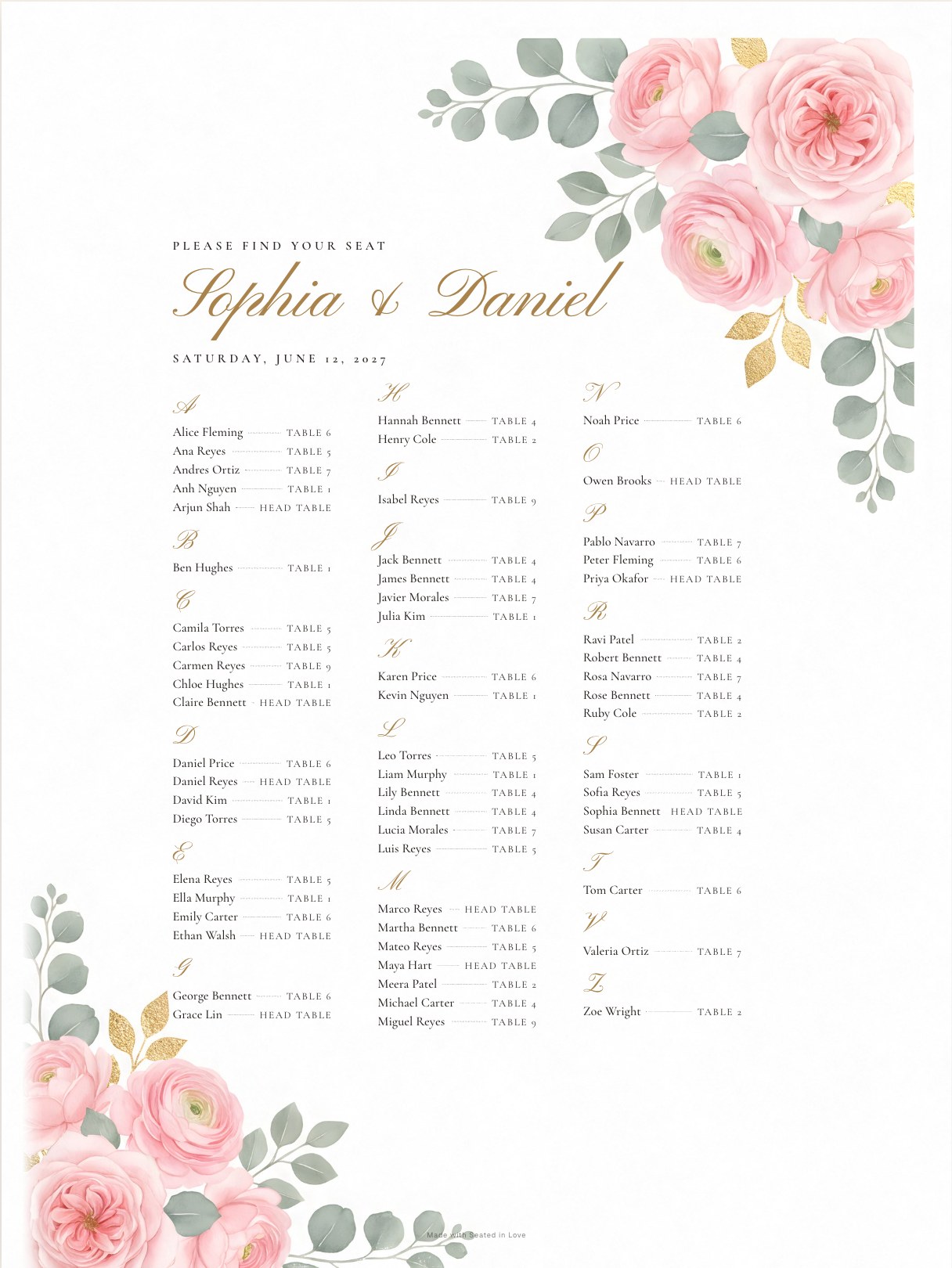
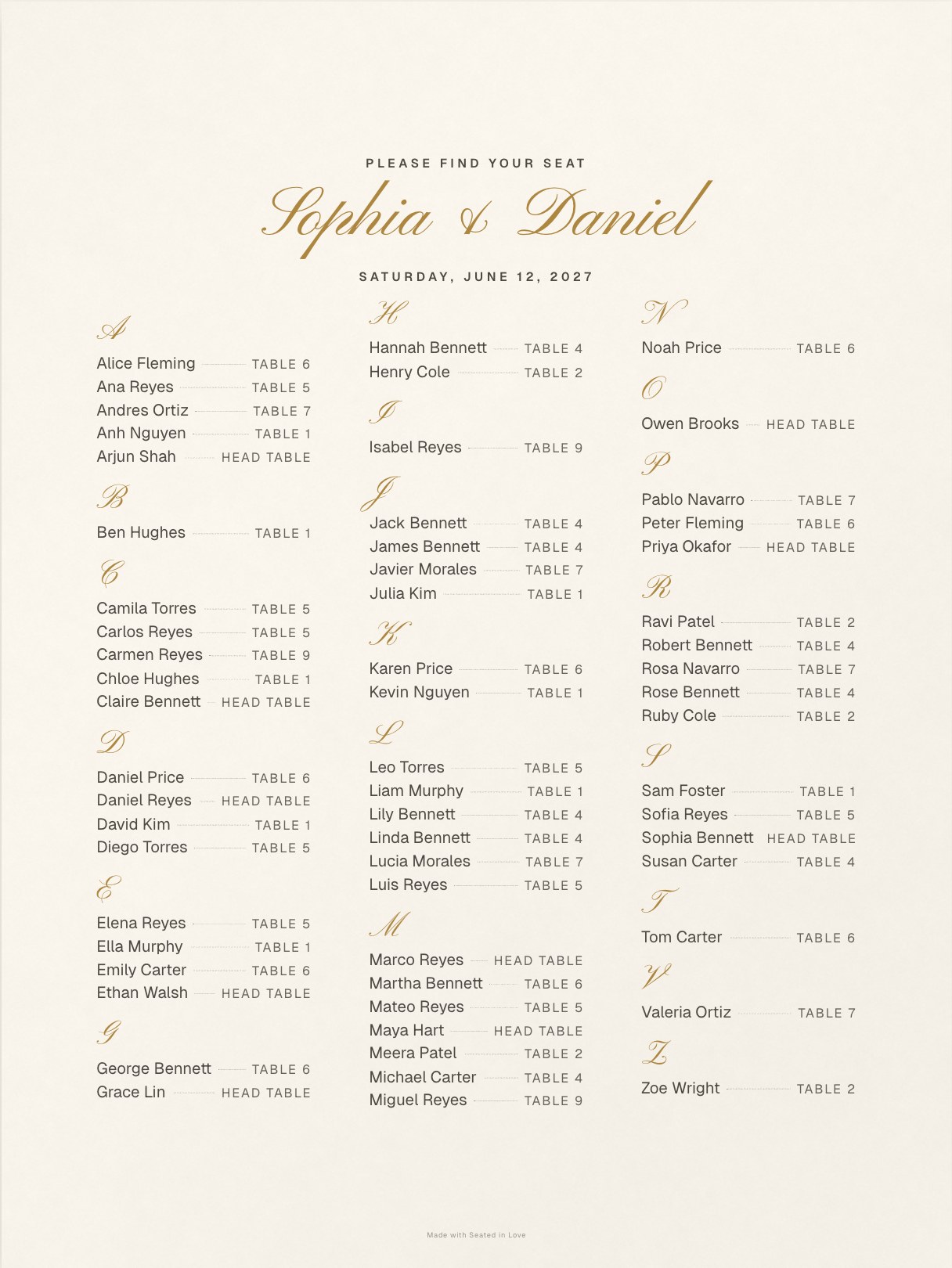
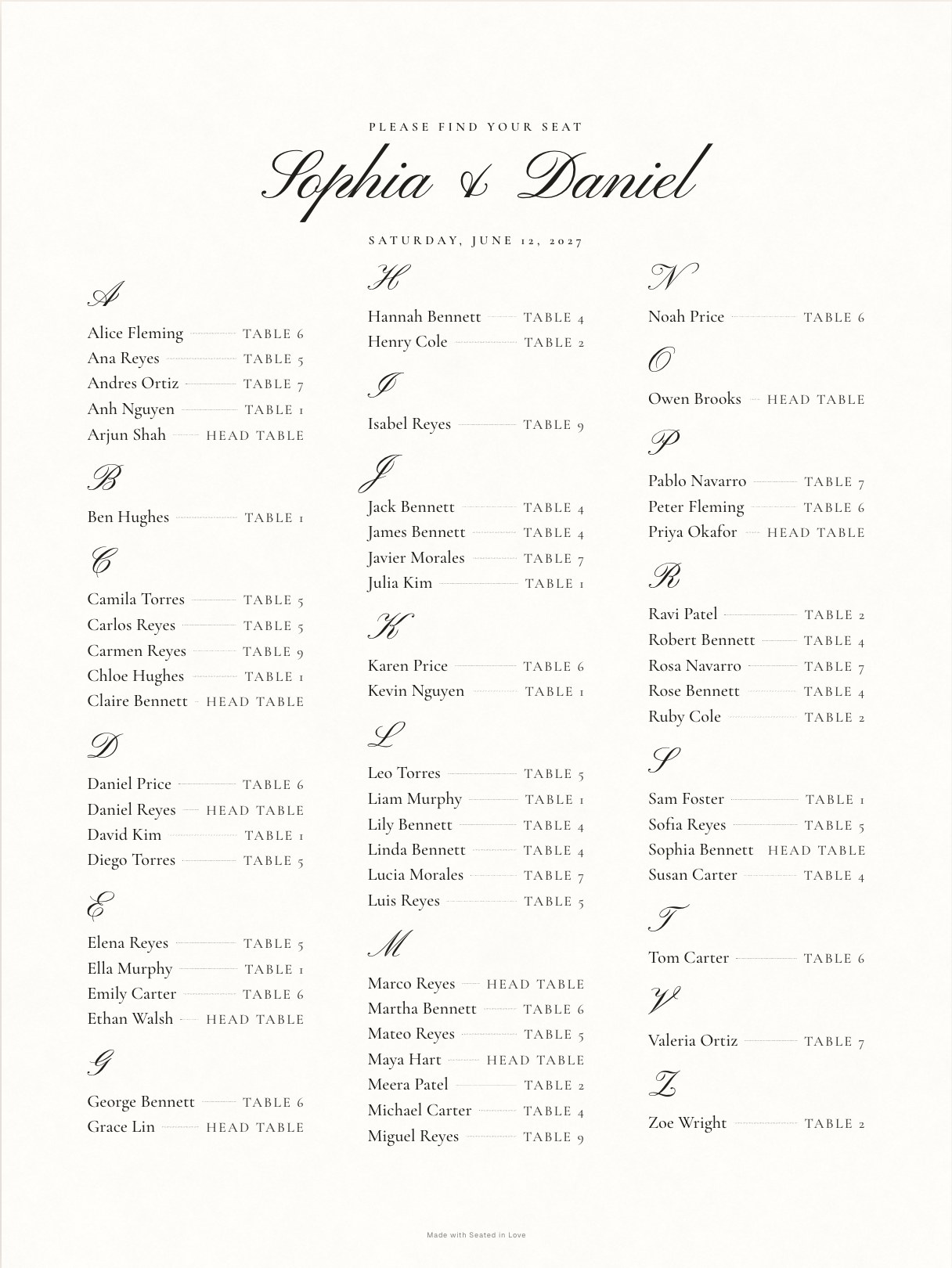
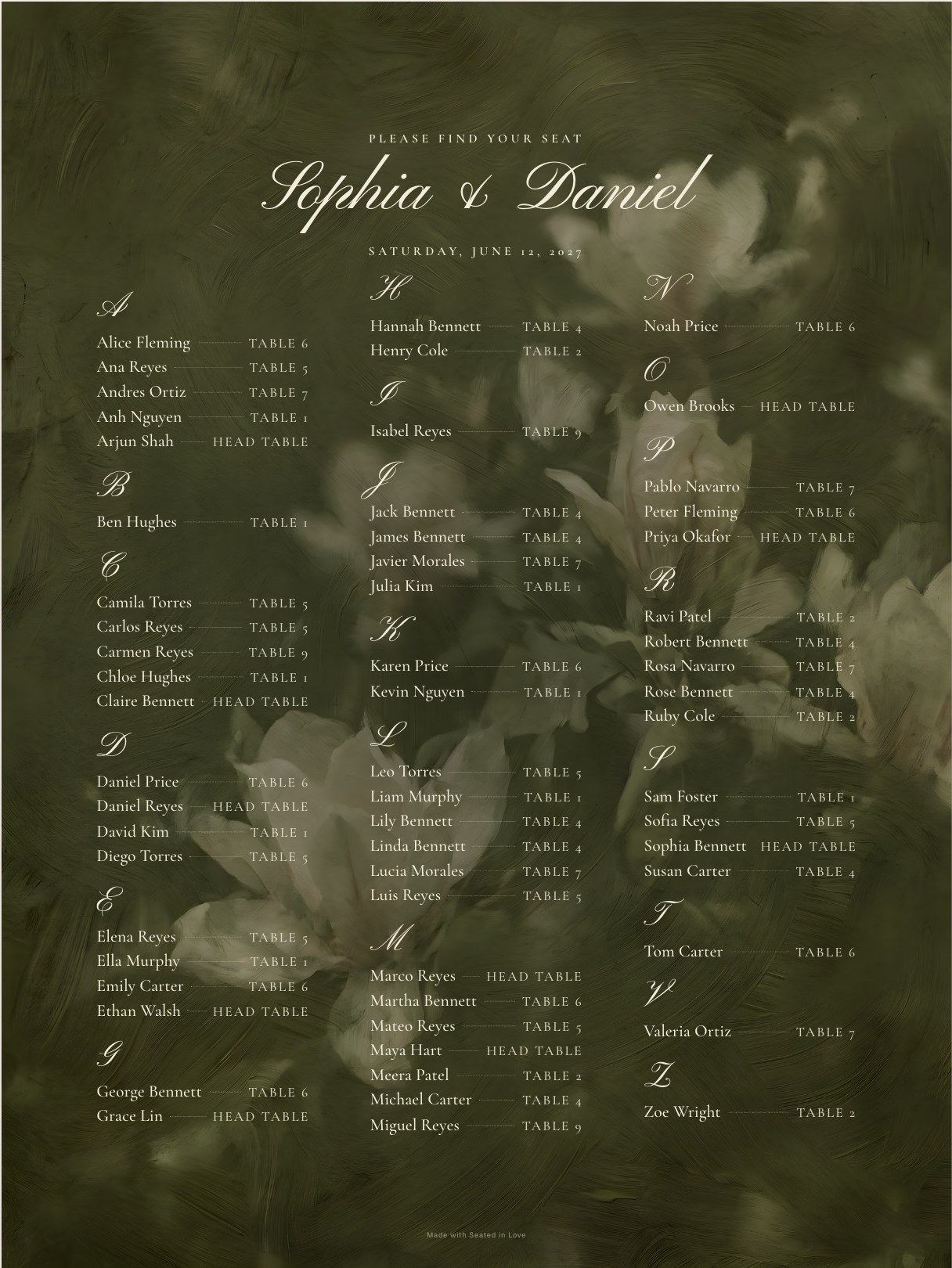
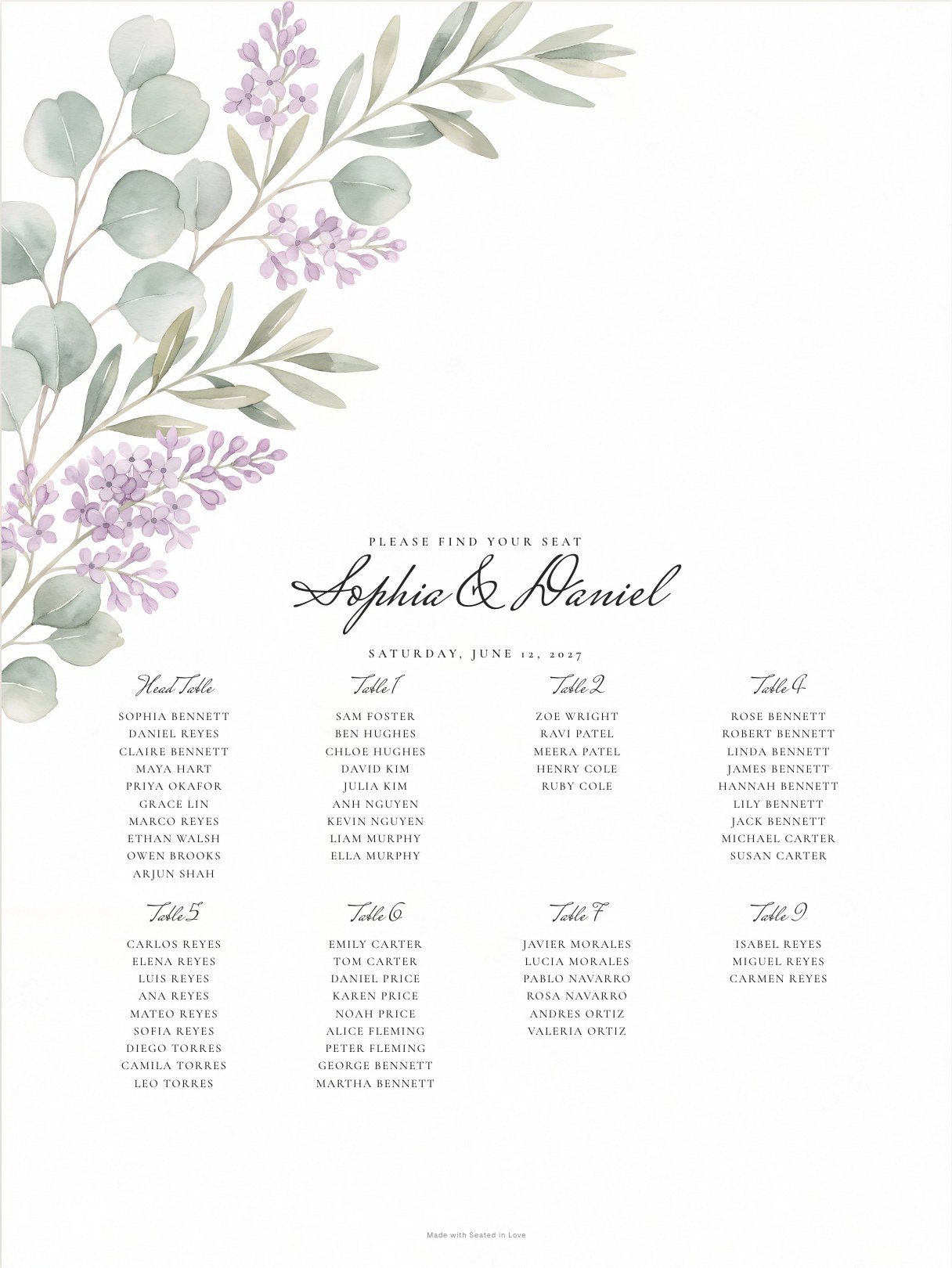
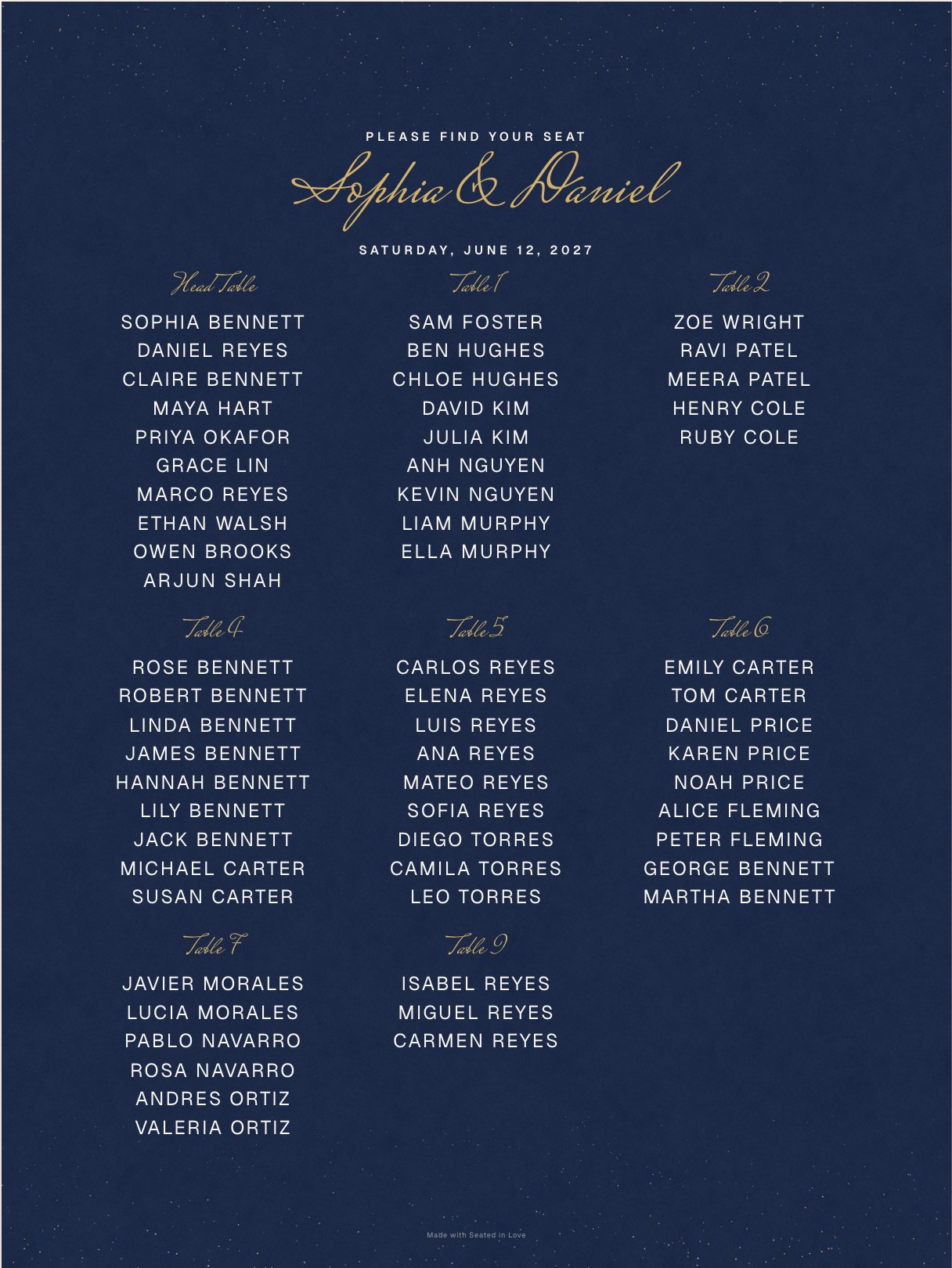
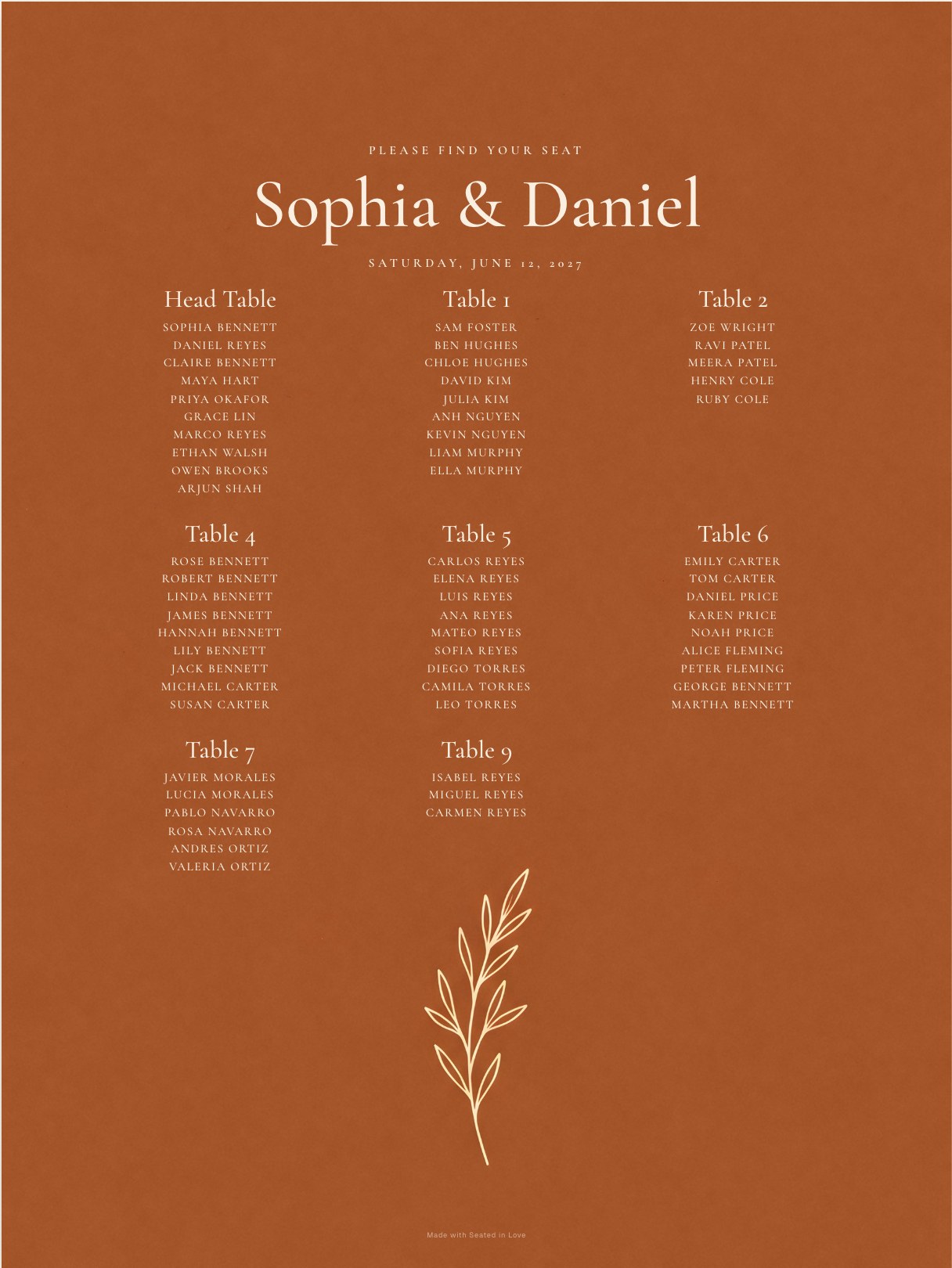
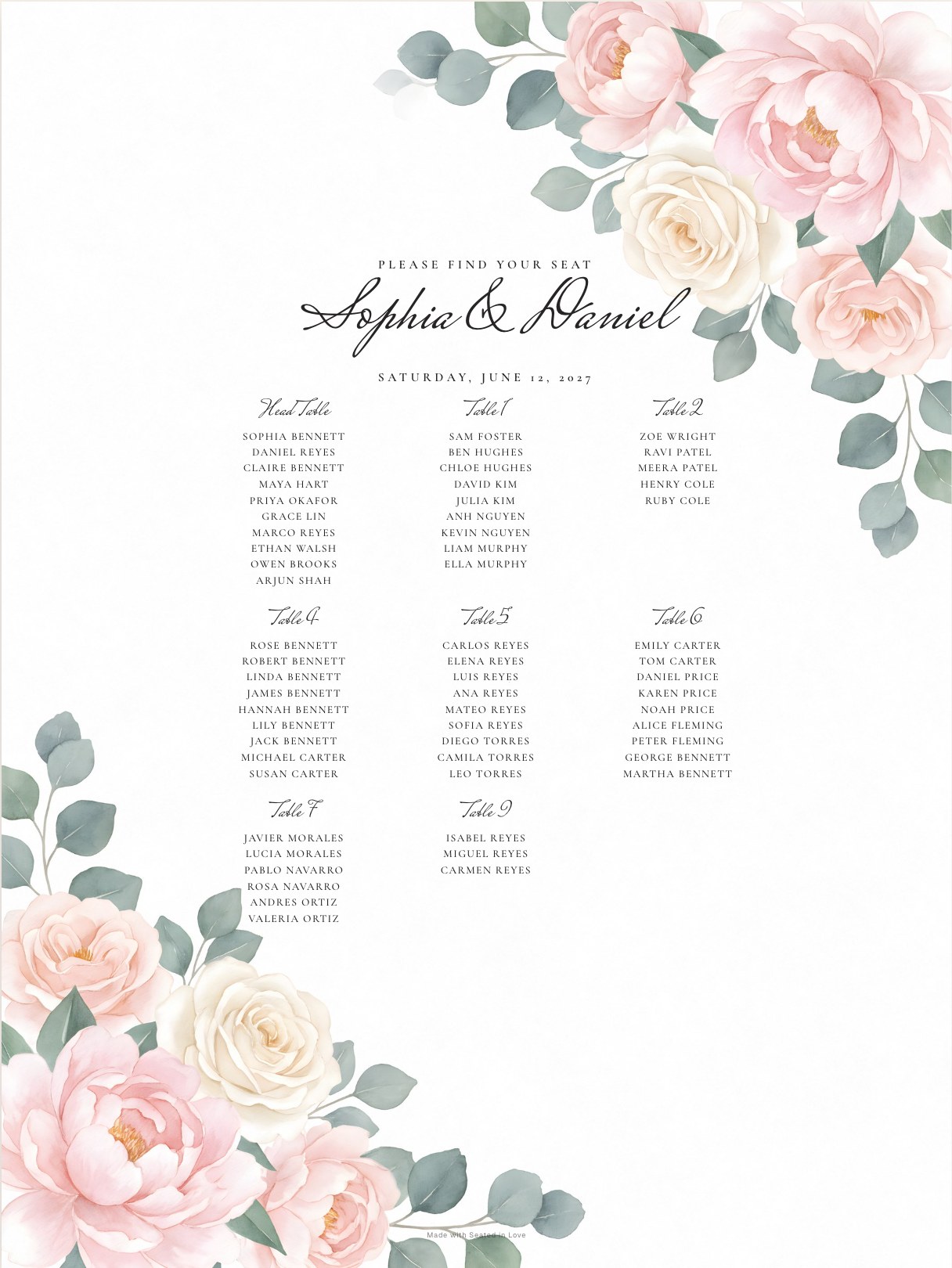
2. By table
One block per table with the names underneath. Guests scan for their name, and they also see who they will be sitting with, which is a nice icebreaker. Best for smaller weddings, or when tables have names rather than numbers.
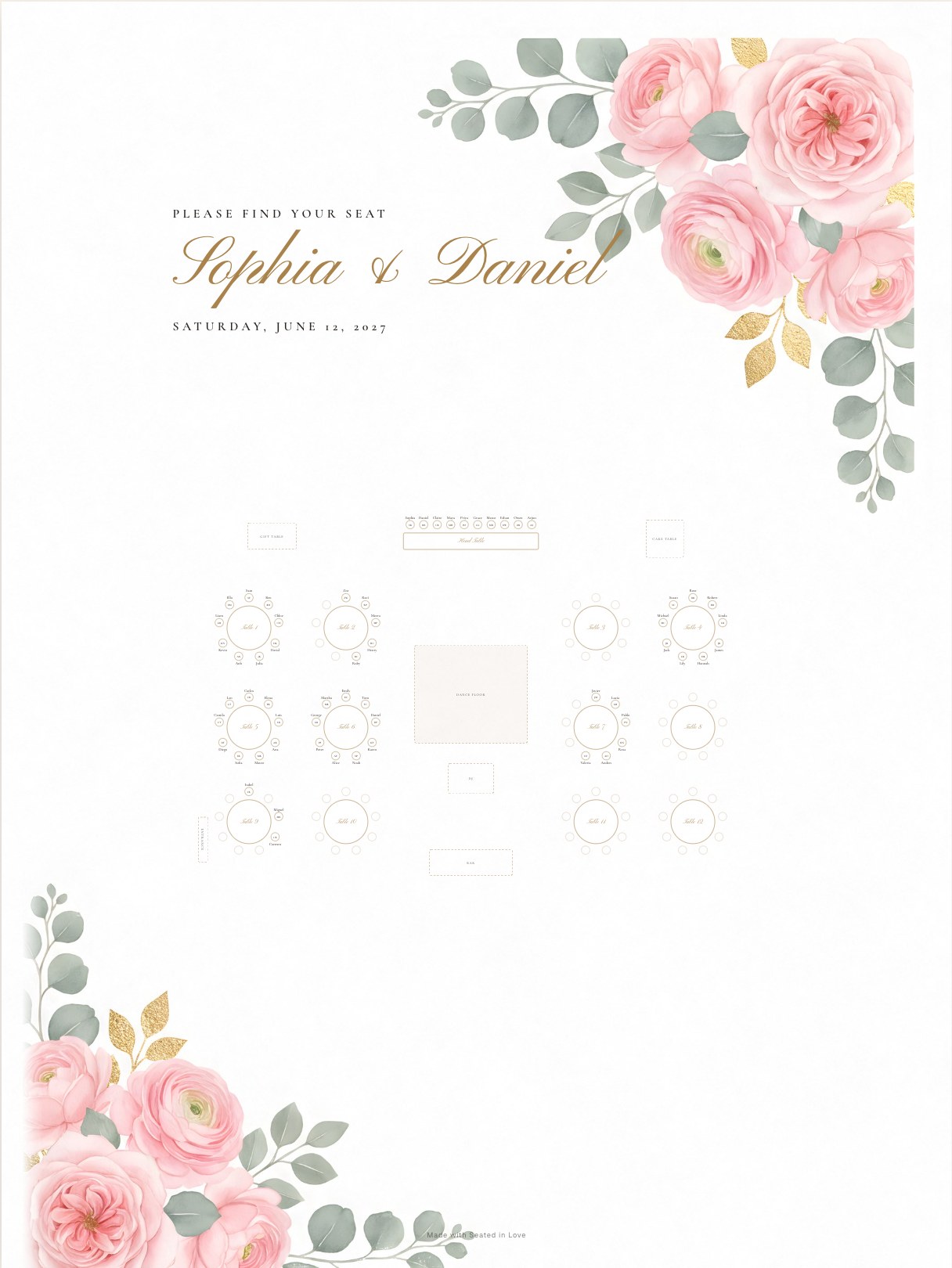
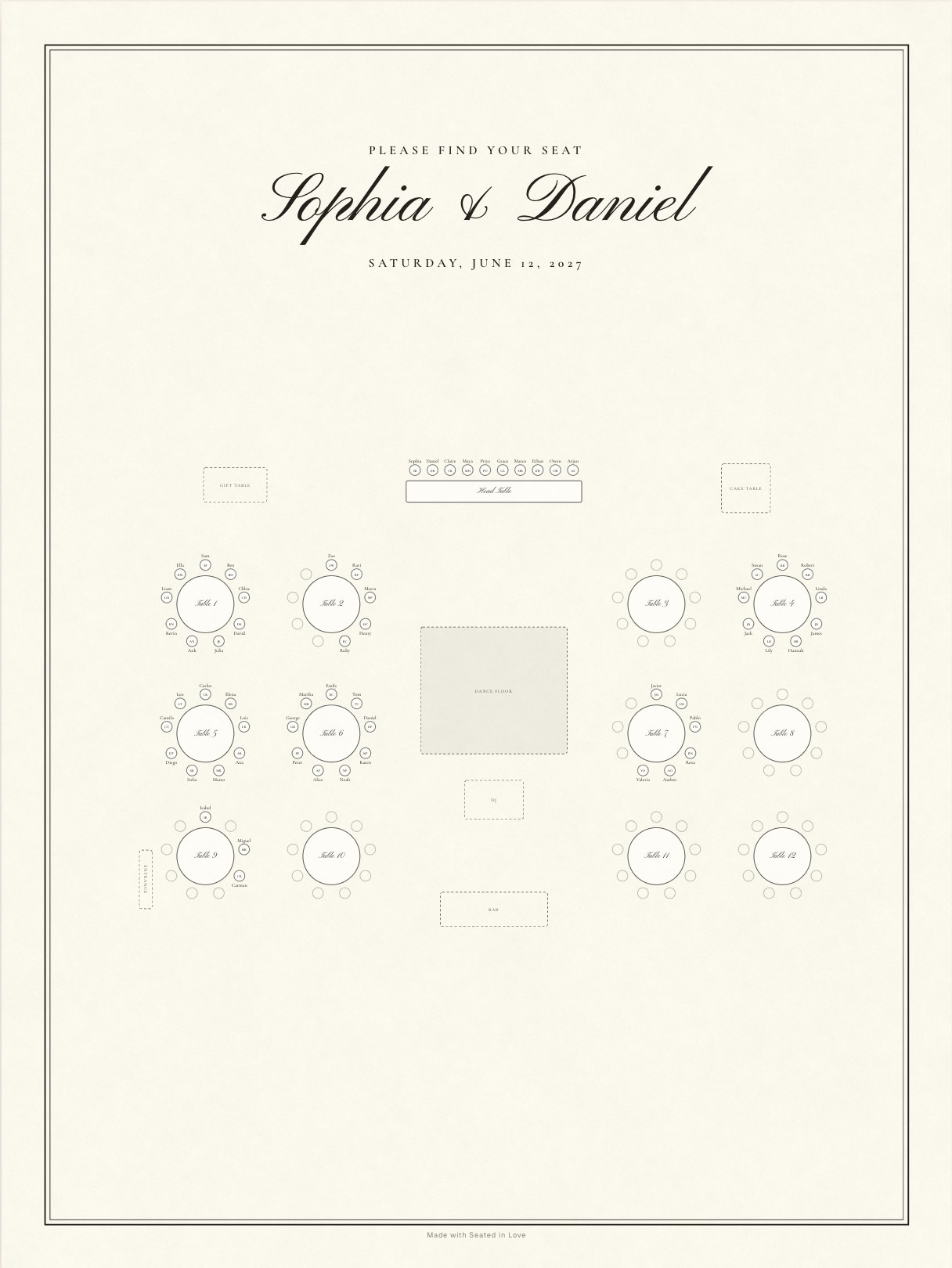
3. Floor plan
A map of the room with every table where it really stands, the dance floor and the bar. Guests see where to walk, not just a number. It suits large or oddly shaped rooms, and the venue team will love a copy.
What size should a wedding seating chart be?
| Guests | Size | Notes |
|---|---|---|
| Up to 60 | 18 × 24 in | Names stay large; fits a standard easel. |
| 60–150 | 24 × 36 in | The most common wedding size. |
| 150+ | 30 × 40 in | Or split the alphabet across two signs (A–L, M–Z) so the crowd spreads out. |
| Any | A2, A3, Letter, A4 | For framed charts, a table-top easel or a backup copy. |
The template sets the text size for you: it finds the largest size at which every name fits, and never cuts a name off. Names should be at least 0.3 inches tall to read comfortably from a few steps away.
How to fill in the template
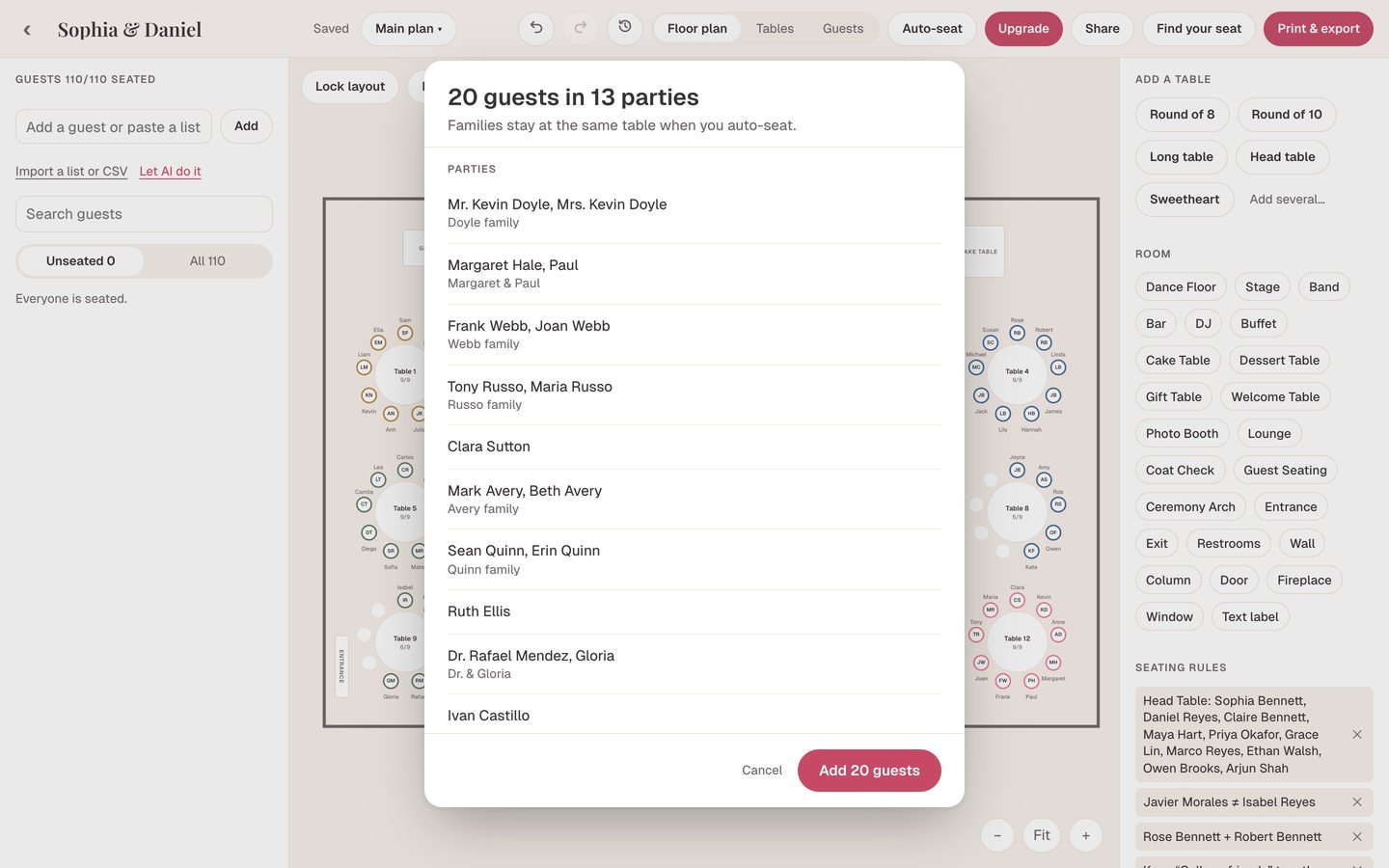
- Import your guest list by pasting it or uploading a CSV from your wedding website.
- Set out your tables on the floor plan, at your venue’s real size.
- Seat your guests by dragging them, or let Auto-seat do it while keeping families together and the people who should be apart, apart.
- Open Print & export, choose Guest finder, Table list or Floor-plan chart, then a theme, size and fonts.
- Download a PDF or image and send it to a print shop. If someone changes their RSVP, update the plan and download again.
Printing your seating chart
- Paper: matte poster paper or foam board for an easel; a matte finish avoids glare under venue lights.
- Where: a local print shop or an office-supply store can print 24×36 within a day. Upload the PDF, not a screenshot.
- When: finalize about a week before the wedding, once the last RSVPs are in, and print a few days later.
- Backup: print one Letter or A4 copy for the venue coordinator.
Your names, your theme, ready to print
Free for your first 60 guests. PDF or image, up to 30×40 in.
Questions about seating chart templates
Is the wedding seating chart template free?
Yes. Every layout and all twelve themes are free for your first 60 seated guests. Pro is a one-time $29 per wedding for every guest on the chart.
Should a wedding seating chart be alphabetical or by table?
Alphabetical is faster for guests at larger weddings because they only look for their name. By table works well for smaller weddings and lets guests see who they are sitting with.
What size should my seating chart be?
18×24 inches for up to about 60 guests, 24×36 for most weddings, and 30×40 or two signs for very large guest lists.
Can I edit the template after printing a draft?
Yes. The chart is generated from your plan, so change a seat or add a guest and download the chart again.
Can I use this template in Canva or Word?
You can download the chart as an image and place it in another design, but you don’t need to: it is already sized for print and filled with your names.
Does it work for a rehearsal dinner or a party?
Yes. Any event with tables and a guest list works the same way.